


nginx 配置SSL
一、SSL证书申请(阿里云)
个人测试证书90天到期,填写相关资料等待十多分钟就申请成功了
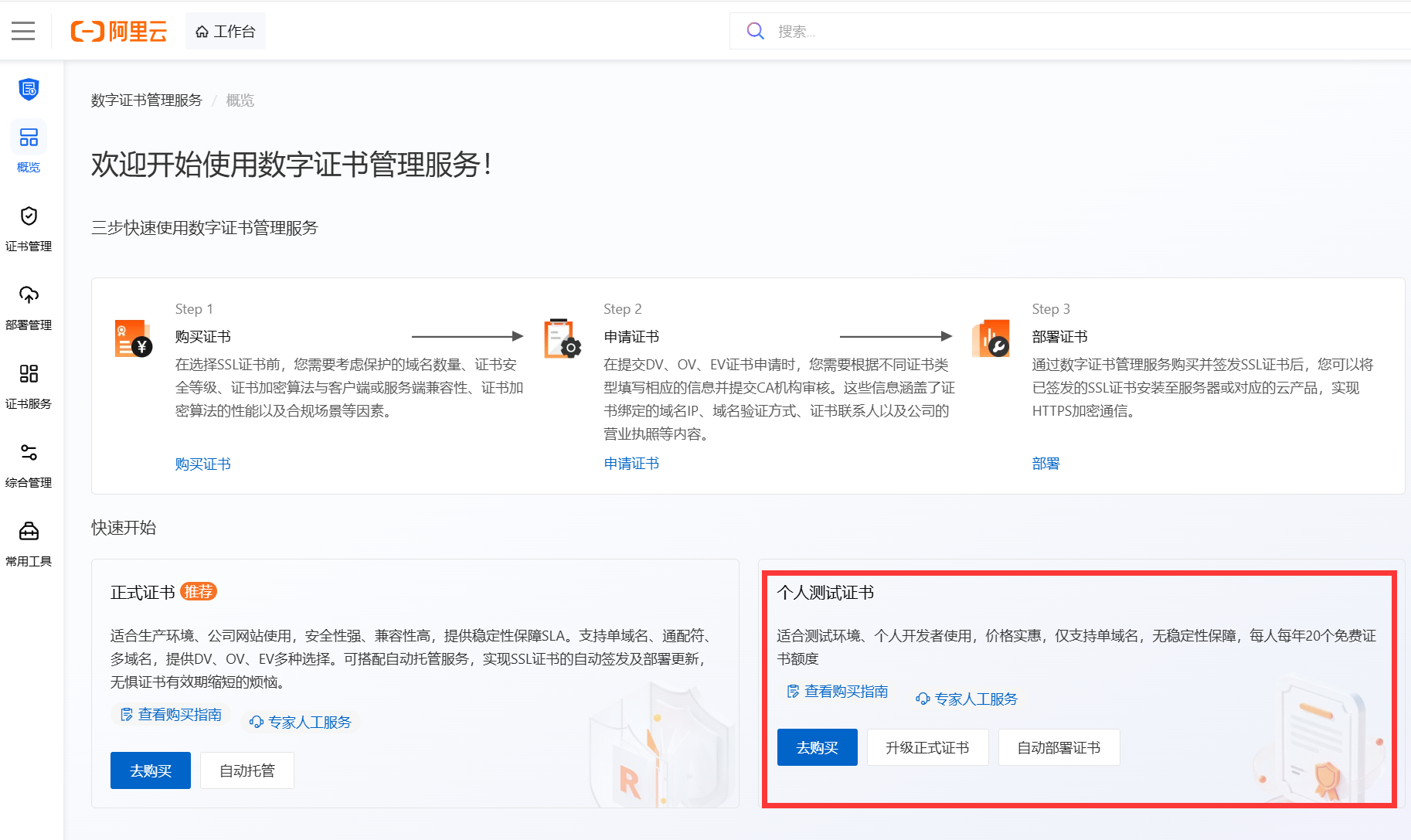
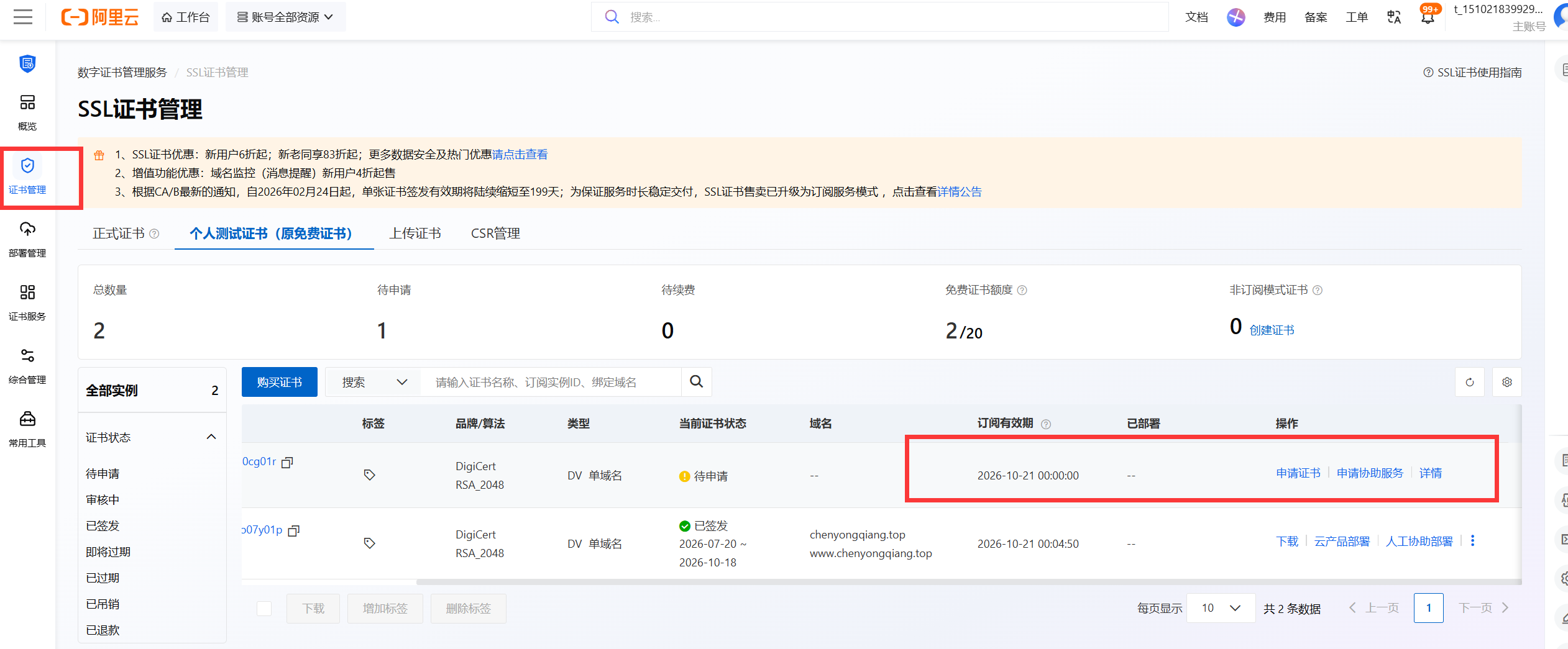
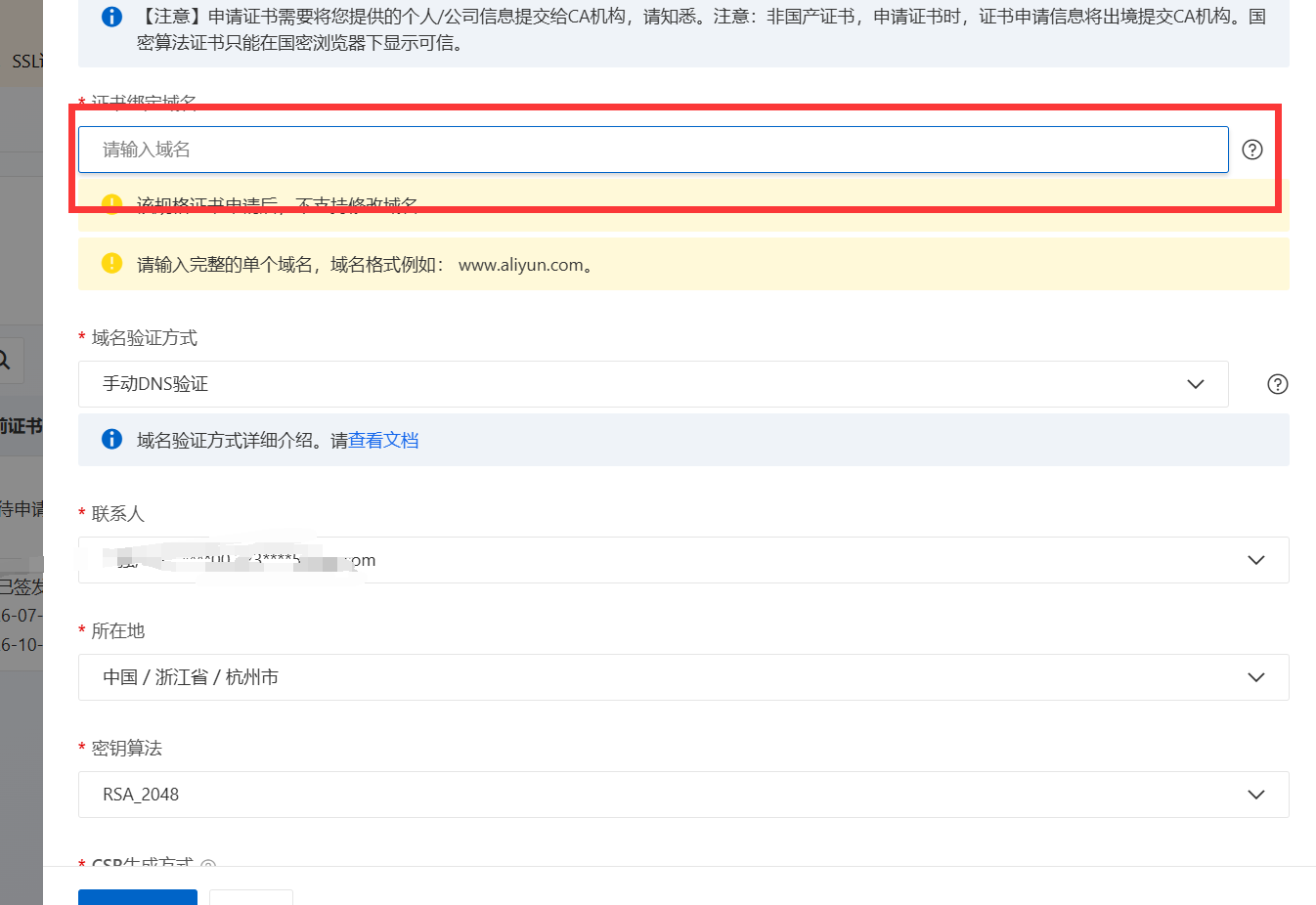
申请成功后下载证书
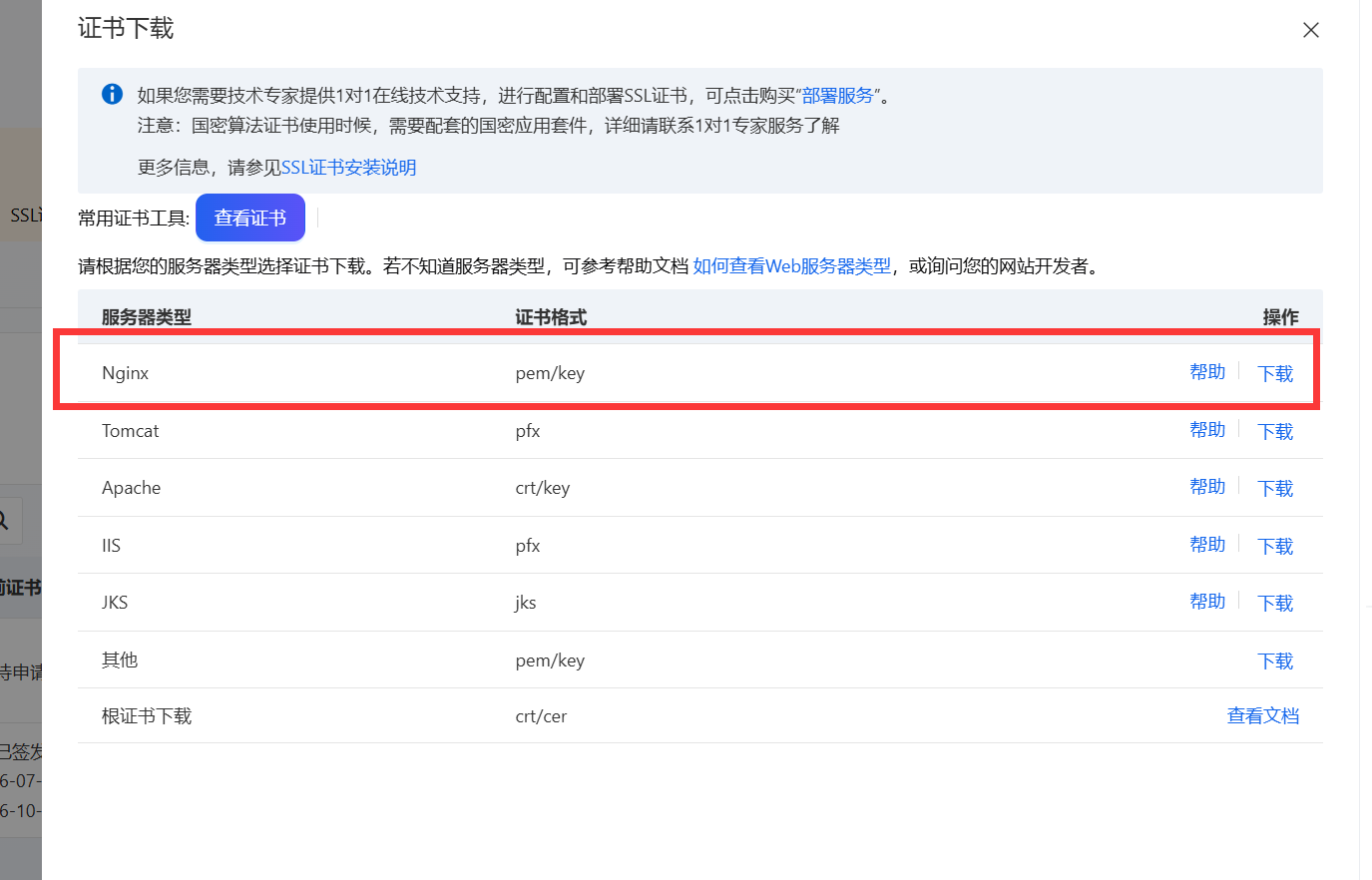
二、解压、上传证书到服务器,配置nginx
创建证书文件夹 /etc/nginx/cert
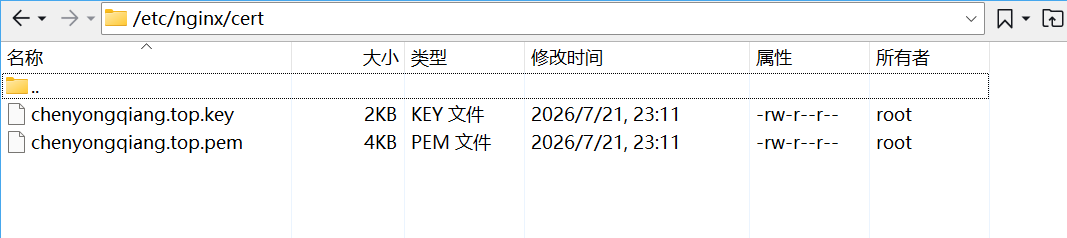
配置nginx 以wordpress为例
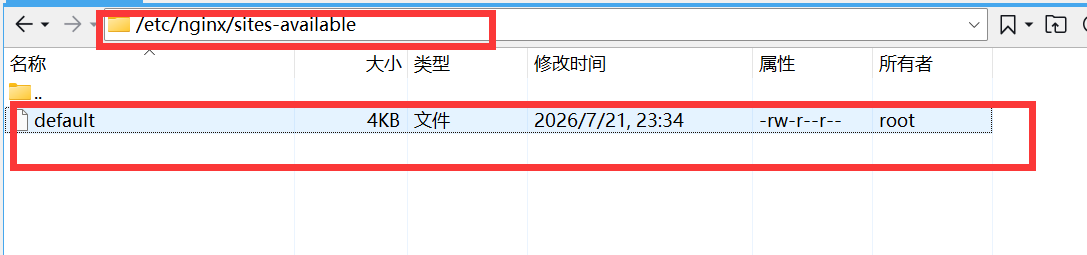
server {
        listen  443 ssl;
        server_name  chenyongqiang.top;
		root /var/www/wordpress/html/wordpress;
		index index.php index.html index.htm index.nginx-debian.html;

		ssl_certificate /etc/nginx/cert/chenyongqiang.top.pem;
		#请填写私钥文件的相对路径或绝对路径
		ssl_certificate_key /etc/nginx/cert/chenyongqiang.top.key;


		ssl_session_timeout 5m;
		#请按照以下协议配置
		ssl_protocols TLSv1.2 TLSv1.3;
		#请按照以下套件配置,配置加密套件,写法遵循 openssl 标准。
		ssl_ciphers ECDHE-RSA-AES128-GCM-SHA256:HIGH:!aNULL:!MD5:!RC4:!DHE;
		ssl_prefer_server_ciphers on;
		location / {
                # First attempt to serve request as file, then
                # as directory, then fall back to displaying a 404.

                try_files $uri $uri/ =404;
        }
	location /wordpress {
            try_files $uri $uri/ /wordpress/index.php?$args;
	}

        # pass PHP scripts to FastCGI server
        #
        location ~ \.php$ {
                fastcgi_pass unix:/var/run/php/php-fpm.sock; # 若用 TCP 则改为 127.0.0.1:9000
        	fastcgi_index index.php;
        	fastcgi_param SCRIPT_FILENAME $document_root$fastcgi_script_name;
        	include fastcgi_params;
        }
    }
检测配置是否正确
nginx -t 
nginx 重载配置文件
nginx -s reload三、访问测试
https访问不会弹出不安全的提示